AI Tools to Boost Your Presentation Design

May 17, 2025

Meta Description:
Discover the best AI tools to boost your presentation design and impress any audience—fast, smart, and beautifully.
Introduction: Why Presentation Design Matters in 2025
Whether you’re a student pitching an idea, a content creator sharing insights, or a professional presenting strategies—your presentation design can make or break your message. A powerful presentation not only informs but also captivates, persuades, and drives action. But creating sleek, visually compelling slides takes time, skill, and often—frustration.

That’s where artificial intelligence comes in.
In 2025, AI tools to boost your presentation design are no longer optional—they’re essential. These tools use machine learning and automation to speed up design, generate layouts, suggest visual content, and even help with your talking points. The result? Beautiful slides created in minutes instead of hours.
Below, we’ll explore some of the best AI tools transforming the way presentations are built today.
1. Beautiful.ai – Smart Design in Seconds
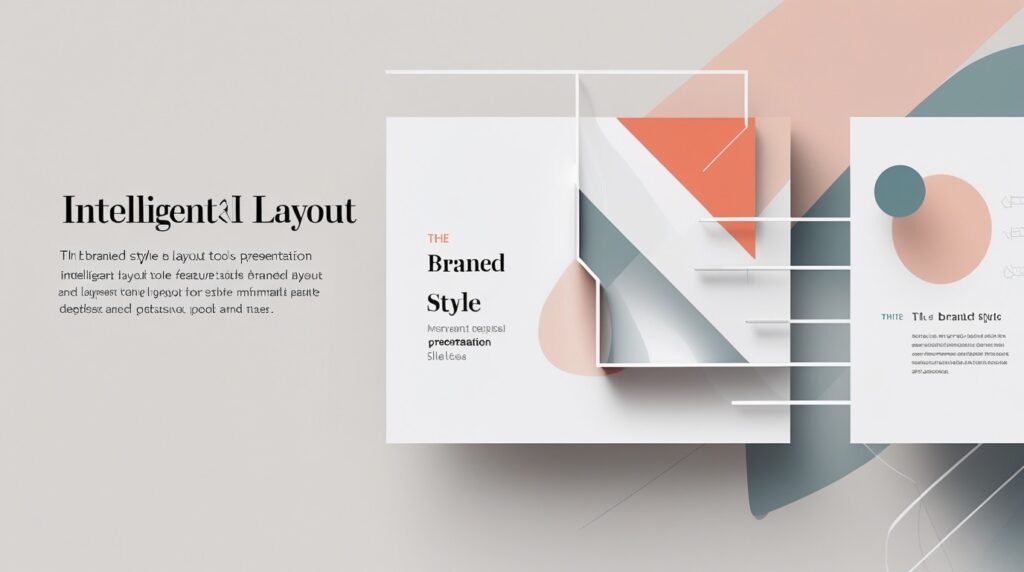
Beautiful.ai is a powerhouse when it comes to AI-powered presentation design. With its real-time smart formatting and clean interface, users can create polished presentations without touching a single design element manually.
Key Features:
- Automatic layout adjustments
- Smart templates that adapt to your content
- Brand control for businesses
Use Case:
Great for marketers, startup founders, and anyone needing pitch-perfect decks quickly.
2. Tome – For Storytelling Presentations
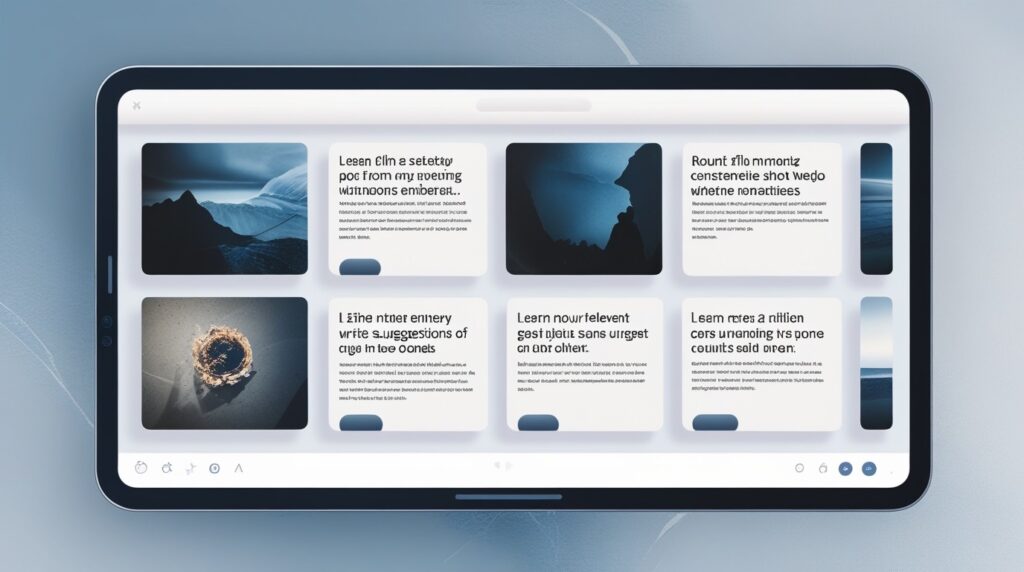
Tome blends storytelling and design beautifully. Its AI assists with both text and design, making it easy to craft narratives that resonate.
Key Features:
- AI-generated slides with text and visuals
- Embeds and interactive components
- Clean, modern layouts
Use Case:
Ideal for creative professionals or educators who need to tell compelling visual stories.
3. Gamma.app – Docs Meets Presentations
Gamma is changing the way we think about slides. It creates decks more like structured web content than traditional slides. With just a prompt, Gamma generates a full presentation in minutes.
Key Features:
- Text-to-presentation AI
- Responsive slide structure
- Visual-rich storytelling
Use Case:
Best for rapid idea pitches, proposal decks, and internal team updates.
4. Canva with Magic Design – Simplicity Meets AI
Canva has long been a favorite for non-designers, but its Magic Design AI features take things to the next level. You can input your topic or idea, and Canva will suggest full slide decks with visuals.

Key Features:
- Magic Design AI slide generator
- Massive library of templates
- Drag-and-drop customization
Use Case:
Perfect for students, influencers, and busy professionals who need beautiful slides on a deadline.
5. Visme – AI-Enhanced Visual Storytelling
Visme is another fantastic design tool that now integrates AI features for building interactive and branded presentations.
Key Features:
- AI content block recommendations
- Brand kit integration
- Interactive infographics
Use Case:
Recommended for businesses and educators who want high-impact visuals without hiring a designer.
6. SlidesAI – Turn Text into Slides Instantly
SlidesAI is an AI-powered tool built specifically for Google Slides. Paste your text, choose a design style, and SlidesAI turns it into a clean, formatted presentation.
Key Features:
- Google Slides integration
- Text-to-slide generation
- Multiple theme options
Use Case:
Great for academic projects, quick client decks, or internal presentations.
7. ChatGPT – Script and Content Writing
Yes, ChatGPT (hi, that’s me!) isn’t just for answering questions. It’s incredibly useful for writing presentation content: intros, bullet points, summaries, headlines—you name it.
Key Features:
- Instant script generation
- Idea organization and structure
- Can be customized to tone and audience
Use Case:
Useful for outlining your deck, writing slide copy, or preparing speaker notes.
8. Decktopus AI – Presentations Made Effortless

Decktopus is designed to generate full presentations from minimal input. It’s especially powerful for professionals who need to present ideas fast and with clarity.
Key Features:
- AI slide generator
- Slide timing and presentation tips
- Email and export options
Use Case:
Perfect for sales teams, consultants, and solo entrepreneurs.
9. PowerPoint Designer – Native AI Help
If you’re still using Microsoft PowerPoint, don’t worry. PowerPoint Designer is built right in and offers automated slide design suggestions based on your content.

Key Features:
- AI layout suggestions
- Visual formatting recommendations
- Seamless experience within PowerPoint
Use Case:
Ideal for professionals who prefer traditional tools but want AI support.
10. Internal Resource: Top AI Tools for Students & Creators

Want more than just presentation tools? Check out our in-depth guide:
👉 Top AI Tools for Students & Creators
This internal post highlights a full ecosystem of tools—from writing to video editing—that will supercharge your creative workflow.
Why Use AI Tools to Boost Your Presentation Design?
- Saves Time: Automate slide layout, visuals, and copy
- Better Results: AI tools use data to suggest effective layouts and visuals
- Professional Look: Even beginners can produce polished results
- Cost-Effective: Many tools are free or affordable
- Creativity Unlocked: AI often suggests ideas you might not think of
Final Thoughts: Embrace AI, Elevate Your Impact

Presentation design no longer has to be stressful. Thanks to these amazing AI tools to boost your presentation design, you can now focus on your message, not the layout. Whether you’re a student rushing a class project or a professional prepping a client pitch, AI has your back.
So, why struggle with slides? Let these tools do the heavy lifting—and start creating stunning presentations effortlessly.
Great tips