These 5 AI Tools Will Make You Unstoppable in 2025

May 10, 2025
Your Guide to Smarter Creation with AI
In today’s fast-paced digital world, AI is no longer just a buzzword — it’s a comprehensive toolbox that’s reshaping how we work, learn, and create. For students juggling multiple assignments and deadlines, or creators building content empires across platforms, artificial intelligence offers powerful shortcuts, productivity boosts, and creative enhancements that can genuinely transform your workflow. Whether you’re writing essays, editing videos, or managing a content calendar, mastering AI tools is becoming essential to staying ahead in 2025.
Let’s dive into five AI tools that are not only game-changers but also incredibly user-friendly — designed to help you work smarter, faster, and with more creativity.
1. Notion AI – Organize Your Brain
Use case: Research summaries, task automation, idea generation
Imagine having a digital assistant right inside your note-taking app—one that not only helps you organize your thoughts but also generates content for you. That’s what Notion AI brings to the table.
Students can use Notion AI to transform messy class notes into well-organized study guides, summarize dense research papers into digestible bullet points, and brainstorm ideas for essays or projects. Content creators benefit by automating tedious tasks like outlining video scripts, planning social media calendars, and even generating blog post drafts.
The beauty of Notion AI lies in its flexibility. You don’t have to start from scratch or spend hours figuring out how to organize your workload. Instead, Notion AI intuitively understands your needs and produces polished outputs tailored to your style and goals.
Pro tip: After a long lecture, quickly input your raw notes and let Notion AI clean them up into clear, structured study documents. It saves time and helps with retention.
⸻
2. GrammarlyGO – Smarter Writing in Seconds
Use case: Writing improvement, tone adjustment, grammar fixes
Writing is a cornerstone skill across education and content creation, but it can also be the most time-consuming and frustrating part of the process. GrammarlyGO takes the core functions of traditional grammar checkers and supercharges them with AI-powered writing assistance.
This tool doesn’t just flag spelling mistakes or grammar errors—it rewrites entire sentences to improve clarity and flow. Need your paper or blog post to sound more formal? GrammarlyGO can adjust tone. Want to make your YouTube video description more conversational? It’s got you covered. It even generates content ideas if you’re staring at a blank page.
For students, GrammarlyGO reduces the risk of losing marks due to sloppy writing and helps communicate ideas more effectively. For creators, it ensures all published material sounds professional and polished without hiring a copyeditor.
⸻
3. Canva Magic Studio – Design Without the Design Degree
Use case: Social media graphics, video content, presentations
Visual content is king in today’s attention economy. Studies show that visuals increase engagement by up to 80%. But not everyone has graphic design skills—or the budget to hire a designer. Enter Canva Magic Studio.
Canva’s AI-powered features like Magic Write and Magic Design allow users to create stunning visuals quickly. Students can whip up clean, attractive presentations or infographics to ace their assignments, while content creators can design YouTube thumbnails, Instagram reels, and brand kits effortlessly.
Even better, these AI tools offer style suggestions, automate layout adjustments, and can generate content ideas for your graphics. So whether you’re a novice or a pro, you can produce polished designs that capture attention and elevate your brand.
⸻
4. ChatGPT – Your Always-On Brainstorm Partner
Use case: Writing, ideation, explanation, coding help
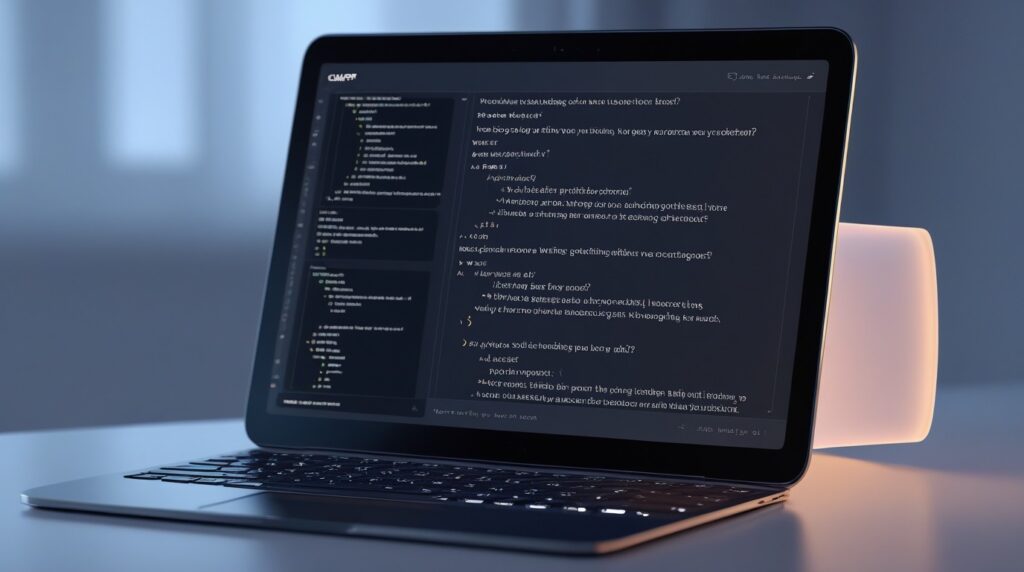
ChatGPT is like having an expert tutor and creative collaborator available 24/7. Whether you’re scripting a podcast, stuck on a thesis topic, or learning to code, ChatGPT helps break down complex concepts, generate outlines, or brainstorm catchy titles for your videos or articles.
For example, if you’re struggling to explain a scientific theory, ChatGPT can rephrase it in simple terms or create analogies that make it easier to understand. If you need ideas for a blog post series or help debugging code, just ask. It’s a versatile assistant that adapts to your needs and grows with you.
The best part? It’s conversational, meaning you can interact naturally, ask follow-up questions, and get customized responses instead of generic answers.
⸻
Descript – Edit Videos Like a Document
Use case: Video editing, transcription, podcast production
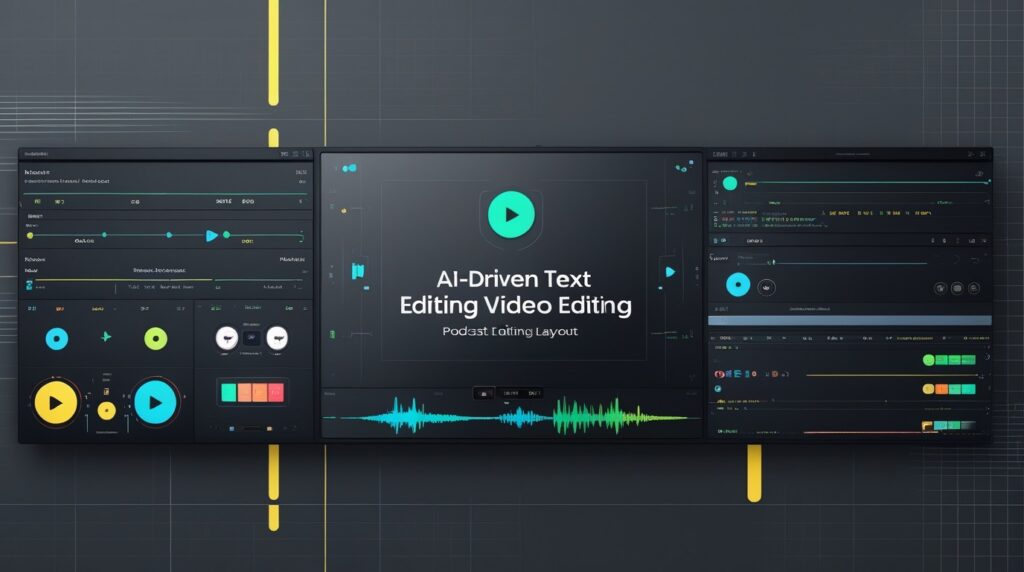
Video and audio editing have traditionally been time-intensive, requiring expensive software and steep learning curves. Descript flips the script by allowing you to edit videos and podcasts as easily as editing text documents.
Upload your footage, and Descript transcribes the audio into text. Want to remove “um” and “uh” filler words? Simply delete them from the transcript. Need to insert a voiceover? Record it right inside the app. You can also auto-generate subtitles, add background music, and collaborate with team members—all streamlined through AI.
This tool is a dream for creators who want to speed up production without sacrificing quality. It lowers barriers to entry, letting more people produce professional-level content on tight deadlines and budgets.
Final Thoughts: AI Isn’t Replacing You — It’s Empowering You
The real power of AI lies not just in automation but in amplification. These tools free up your mental bandwidth, speed up repetitive tasks, and sharpen your creativity. Rather than replacing your skills, AI complements and enhances them—letting you focus on what humans do best: learning, innovating, and connecting.
Whether you’re cramming for finals or launching a personal brand, learning how to integrate AI into your workflow isn’t just a nice-to-have; it’s a competitive edge in 2025 and beyond.
So, start experimenting with these tools today. Explore how they fit your unique style, and watch your productivity, quality, and confidence soar. The future of work and learning is here, and it’s smarter, faster, and more creative than ever before.
Recommended tools:
- Notion AI Official Website
https://www.notion.so/product/ai - Grammarly Official Website
https://www.grammarly.com/grammarlygo - Canva Magic Studio Overview
https://www.canva.com/features/magic-studio/ - ChatGPT by OpenAI
https://chat.openai.com/ - Descript Official Website
https://www.descript.com/ - Statistics on Visual Content Engagement (HubSpot)
https://blog.hubspot.com/marketing/visual-content-marketing-strategy - How AI is Transforming Education (EdTech Magazine)
https://edtechmagazine.com/k12/article/2023/01/how-ai-transforming-education
You might also like:
- How to Use AI Tools for Academic Success
/example-blog-post/ai-tools-for-students - Step-by-Step Guide to Creating a Content Calendar with AI
/example-blog-post/create-content-calendar-with-ai - Top 10 Productivity Apps Every Student Should Try
/example-blog-post/best-productivity-apps-students - Beginner’s Guide to Video Editing for YouTubers
/example-blog-post/video-editing-basics - How to Write Better Essays Using AI
/example-blog-post/ai-essay-writing-tips - The Future of Learning: AI and Personalized Education
/example-blog-post/future-of-learning-ai
Helpful